Spreadsheet Structure
Anatomy of the Spreadsheet
Understanding the internal structure of a COBie file is key to successful data validation. Each row represents a specific asset or spatial element, while columns define the mandatory attributes (External ID, Name, CreatedBy, etc.) required for facility operations.
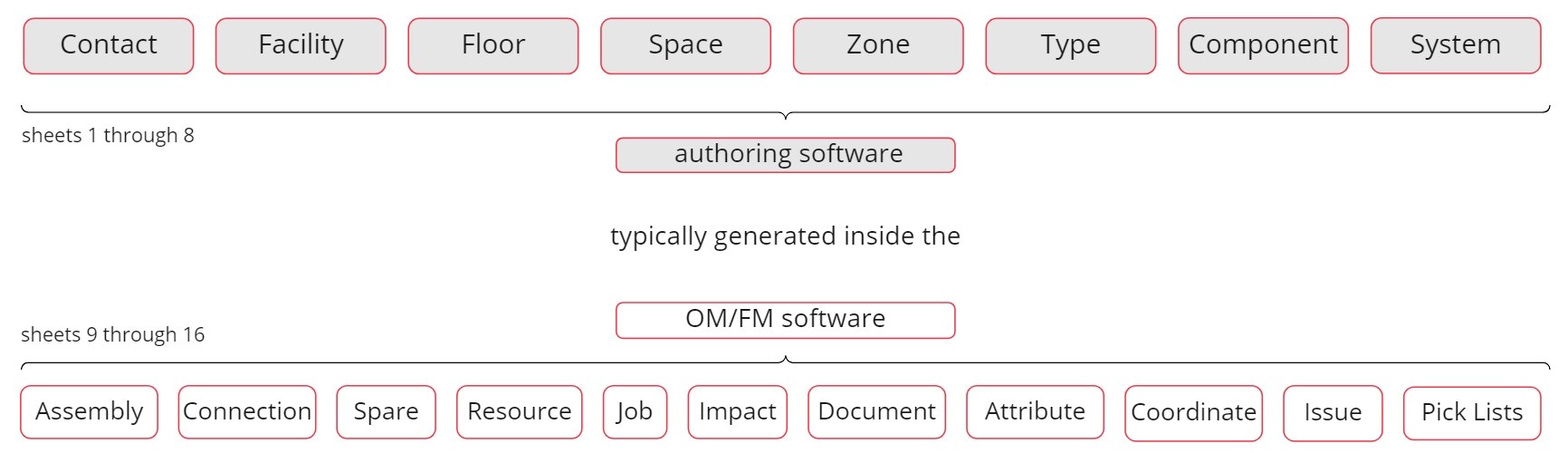
Figure: Anatomy of the COBie spreadsheet, detailing how data is mapped to specific columns.
Note on Relationships: The structure relies on "Pick Lists" and unique identifiers to link items across different tabs—for example, linking a Component to a specific Space and a Type.